
How to Set Up Auto Forwarding From Telegram To WhatsApp
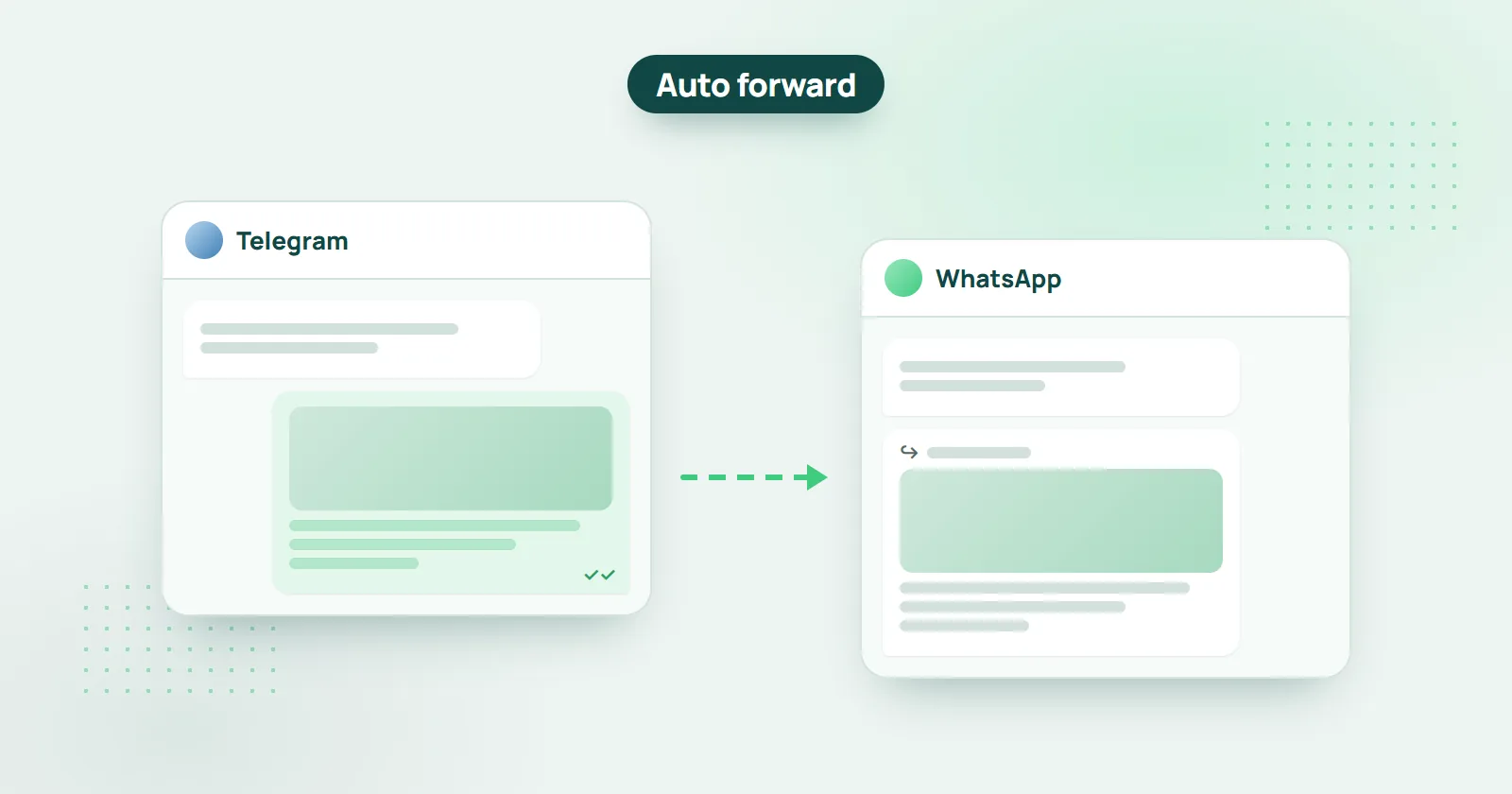
Got a Telegram channel, and want to expand its audience to WhatsApp? This tutorial will show you how to automatically forward all messages from your channel to a WhatsApp group(s) – using WHAMetrics Bridge. This way, you gain the extra audience with zero effort.
Short answer: add the WHAMetrics Bridge number to your WhatsApp group, then select the group in the Bridge console, click “Telegram Bridge”, enter the Telegram channel and save. From then on, every post in the channel is forwarded to the group automatically.

How to auto forward Telegram to WhatsApp
- Click here to log into WHAMetrics Bridge console
- Add the WHAMetrics Bridge number ( +16822064097 ) to your target WhatsApp group. Refresh the Console, and your group will appear there.
- In the console, select the WhatsApp group from the list, and click the green “Telegram Bridge” button above the list
- Enter the channel that you’d like to mirror (e.g. t.me/channelnamehere ), and click “Check”
- Once you see the channel details, click “Save”
That’s it! Your bridge is set up. Any message posted into the Telegram channel, will appear in the WhatsApp group as well.
Now that the Telegram to WhatsApp link has been set up, verify it by posting something to the Telegram Channel (or just wait until a new post appears). You will then see it appear in the WhatsApp group as well.
Note: WHAMetrics should be allowed to post in the WhatsApp group to which you are mirroring the Telegram channel. If the group only allows Admins to post, you need to make the WHAMetrics number into an Admin.
Can I link a Telegram Channel to a WhatsApp Channel?
Yes. WHAMetrics Bridge forwards a Telegram channel to a WhatsApp channel as well as to a WhatsApp group: add the WhatsApp channel in the console, make the WHAMetrics number a channel admin so it can post, and set up the bridge the same way.
Can I mirror a private Channel, or a Telegram Group?
Yes. For a private channel or a Telegram group, enter its invite link instead of a public channel URL; the rest of the setup is the same.
Can I see analytics for my WhatsApp groups?
Yes, with WHAMetrics. WhatsApp itself does not show the analytics Telegram shows for channels, but WHAMetrics shows even more for your WhatsApp groups: growth charts, engagement and reactions (sortable per user and per message), view counts, unique members across groups, and much more. For more info, see How to check WhatsApp Group statistics.


Are messages adjusted for WhatsApp?
Yes, WHAMetrics will adjust your messages to show up in WhatsApp. For example, WhatsApp cannot show text with a link (e.g. like this ), so in WhatsApp that link would appear as: like this https://www.whametrics.com . There are all kinds of other subtle adjustments so that your messages look right in WhatsApp.