
How to Search in WhatsApp Chats and Groups
WhatsApp includes basic search functionality, but it is very limited and far from enough for many WhatsApp users out there. In this tutorial, we’ll see how to search WhatsApp chats and groups efficiently, quickly, and without limitations. We’ll cover:
- WhatsApp Search Tools
- WhatsApp Search Basics
- Search WhatsApp by Phone Number
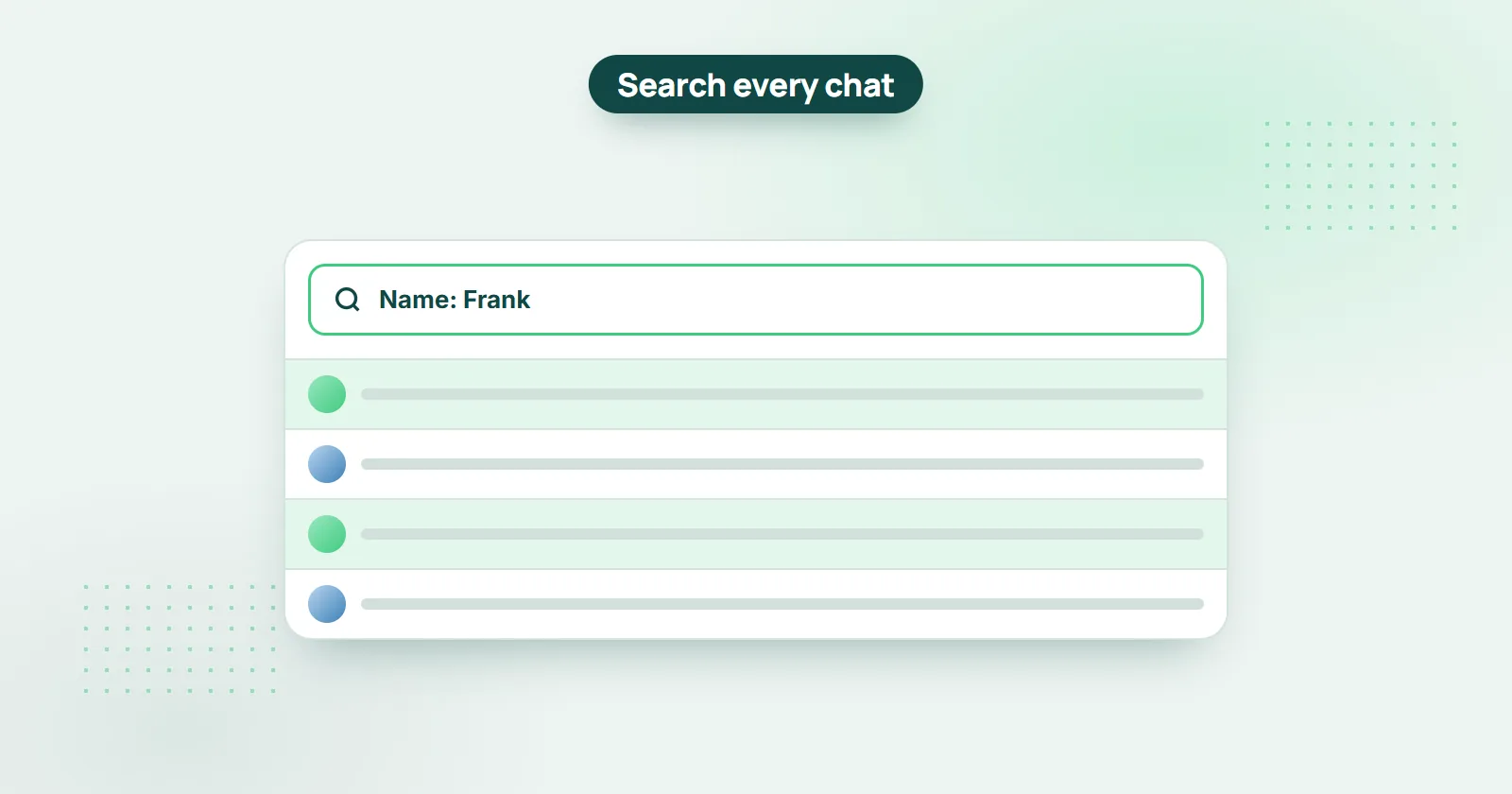
- Search WhatsApp by Name
- Find WhatsApp Group Messages By Sender
- Search All WhatsApp Groups
Short answer: WhatsApp's own search is limited, so use WHAMetrics Companion. Once it is connected to your WhatsApp, its Messages tab searches your chats and groups by sender name, phone number, words and dates - in one group or across all of them at once.
Is there a better way to search WhatsApp?
Yes. WhatsApp's own search is quite limited1, so this tutorial uses WHAMetrics Companion, an app you install and connect to your WhatsApp. It then lets you do advanced things with your WhatsApp data - effective search being one of them (it also does WhatsApp analytics and task management, but we'll focus on search here).
Get WHAMetrics Companion here, and continue with the tutorial below.
How do I search WhatsApp chats and groups with WHAMetrics Companion?
Once you connect WHAMetrics Companion to your WhatsApp, you can immediately see your messages (both regular chats and groups) in the WHAMetrics console.
This immediately allows you to search your WhatsApp chats and groups, and to apply a variety of filters and advanced search capabilities.
Let’s see a few examples.
How do I search WhatsApp messages by phone number?
Type the number (or part of it) in the “Phone” field on the Messages tab of WHAMetrics Companion, and you see only the messages from that number. Here is how:
- In WHAMetrics companion,go to the Messages tab
- Type the number in the “Phone” field (or even part of a number).
- This will immediately filter messages only from that number.
- You can apply additional filters as well – such as search for messages that are from that number and contain specific words, specific times and so on
Oh, and if you're looking for mentions of that number instead, just type it in the “Message” field, and you’ll get messages that include that number in their text.
How do I search WhatsApp messages by name?
Type the name (or part of it) in the “Name” field on the Messages tab of WHAMetrics Companion, and you see only that person's messages. Here is how:
- In WHAMetrics companion, go to the Messages tab
- Type the name in the “Name” field (or even part of a name).
- This will immediately filter messages only from that name.
- You can apply additional filters as well – such as search for messages that are from that name and contain specific words, specific times and so on
How do I find WhatsApp group messages from one person?
Select the group on the Messages tab and type the person's name in the “Name” field, or their number in the “Phone” field - you then see only that person's messages in the group. Here is how:
- In WHAMetrics companion, go to the Messages tab.
- Select the group that you want.
- In the message list below, type the person’s name in the “Name” field – or their number in the “Phone” field.
- You now see all the messages for that specific person.
- You can apply additional filters as well – such as search for messages that are from a specific sender and also contain specific words or dates (e.g. “I remember it was a message from Frank about his vacation, but can’t find it…”)
Select that group in WHAMetrics console, and enter the person’s name in the “Name” field (or you can enter their number into “Phone” field). You now have all the messages for that specific person.
Can I search all of my WhatsApp groups at once?
Yes. In WHAMetrics Companion, select several groups (or all of them) on the Messages tab, and every search and filter runs across all of the selected groups at once.
What if you don’t remember which group to search? (e.g. “I remember it was a message from Jim and it was about France, but I can’t remember which group it was sent in”)
Or, maybe you want to search all of your groups for mentions of an event, or a specific term? (e.g. “find all recommendations for HVAC techs ever mentioned in any group”)
Using WHAMetrics companion, you can search multiple groups just as easy as searching a single group. Here is how:
- In WHAMetrics companion, go to the Messages tab.
- Select the groups that you want to search, or just select all groups.
- Now, search / filter messages same as in a single group – only this time, you get to see messages from all of selected groups!
Sources
- WhatsApp Help Center - search in WhatsApp (faq.whatsapp.com/1131773267485499)