
How to Export Phone Numbers From WhatsApp Group to Excel / CSV
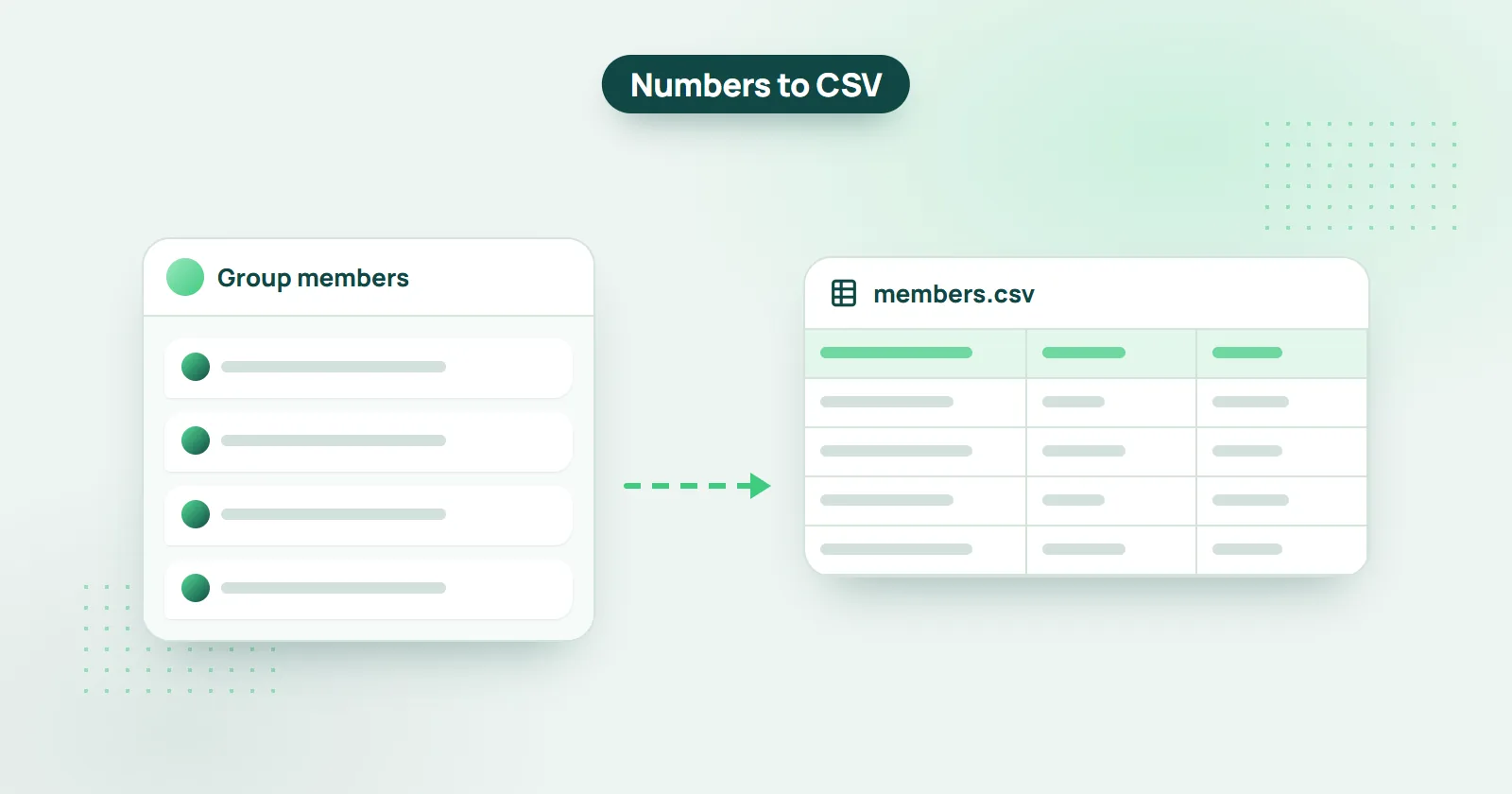
Need to export WhatsApp group members from a group (or multiple groups) to an Excel / CSV file? It’s easier than you think.
Short answer: add the group to WHAMetrics, select it and click “Export to CSV”. You get a CSV file with all members' phone numbers that opens in Excel, plus data such as join date, messages and reactions - for one group or several at once.
Exporting phone numbers from a WhatsApp group is crucial in many different scenarios, such as using those numbers as an audience for running ads (retargeting / remarketing), creating a call list for your audience members, saving a list of your fans and many more. Let’s see how it’s done.
How to Export Phone Numbers from WhatsApp Group
- Add the groups you want to export to WHAMetrics
- Select the group you’d like to export (or multiple groups)
- If you’d like, you can apply filters (e.g. to export only recently engaged users or users from a specific country), or just export everyone
- Click “Export to CSV”

That’s it! You now have a CSV file with all of the members in the group(s) that you’ve selected for export. That file also includes additional data, such as when the member joined the group, number of messages, number of reactions and so on.
Can I use WhatsApp group phone numbers for Facebook ads?
Yes. The CSV file you get from WHAMetrics is ready for use in Facebook Audience manager: create an audience there based on your group members, and start advertising to them. See How to run ads to a WhatsApp group.
Can I export only some of the members of a WhatsApp group?
Yes. Apply filters to your selection in WHAMetrics, and only the selected members of your groups are exported. For example, you can export a list of WhatsApp group members that:
- Have posted at least 3 messages
- Have reacted in the group at least once
- Are from United States or Canada only
- Have joined in the past month
- And countless other combinations of various parameters tracked by WHAMetrics
Can I export multiple WhatsApp groups at once?
Yes. To do that, simply select the groups you want to export in your WHAMetrics console. This will allow you to view them as a “combined” group, and then just use the “Export to CSV” button to export all members at once.